Custom Web Application Development
Software Built Around the Way Your Business Works.
We develop custom web applications that bring workflows, information, and teams together in one practical software experience.
Why Custom Software
When Ordinary Tools No Longer Fit.
Spreadsheets, email, and chat work until a process grows. Then the same job lives in several places.
Before: information in many places
- SpreadsheetJob list updated by hand, often out of date
- EmailQuotes and approvals buried in long threads
- ChatStatus updates that never reach the record
Nobody can see the full picture without asking around.
After: one shared application
- RequestEvery job starts as one structured record
- WorkflowAssignment, quotes, and approvals follow agreed steps
- StatusUpdates appear for everyone with access
Teams work from the same, current information.
Signature Example
See What Custom Software Can Organize.
Three views of one conceptual application, built around a single process.
Every job in one queue
Work orders, owners, priorities, and statuses in one list your team can filter and act on.
What We Build
The Right Tools for Your Operations.
For your team
- Internal management systems
- Replace spreadsheets with one reliable system.
- Project and workflow platforms
- Move work through agreed steps and approvals.
- Data dashboards
- See the state of operations at a glance.
For customers and partners
- Customer and employee portals
- Give people secure access to their own information.
- Booking and service tools
- Let customers request, book, and track services.
Connected to what you use
- Integrations
- Link the application to accounting, CRM, or other systems you already run.
How We Work
Designed for Real Work. Built to Evolve.
- 1
Understand the workflow
We map who does what, the rules involved, and the data each step needs.
- 2
Design the interface and architecture
Screens for each role, plus a data model and access rules that fit the process.
- 3
Build and test
Delivered in reviewable increments, tested against real scenarios and edge cases.
- 4
Deploy and improve
Released with documentation, then refined as your team uses it.
What sits behind the screens
People and roles
Sign-in and permissions decide who sees what
Workflows and rules
The steps, approvals, and checks your process needs
Data and integrations
Consistent records, connected to your other systems
Planning
What Shapes an Application's Scope.
- Number of user roles
- Workflow complexity
- Data structures
- Integrations
- Access requirements
- Reporting needs
- Testing and deployment scope
We map these in a short discovery, then provide a written scope and estimate. We do not quote fixed prices before we understand the workflow.
Web applications developed by Zyrox Limited
A four-role management platform and a data-driven web app, each with a full case study.
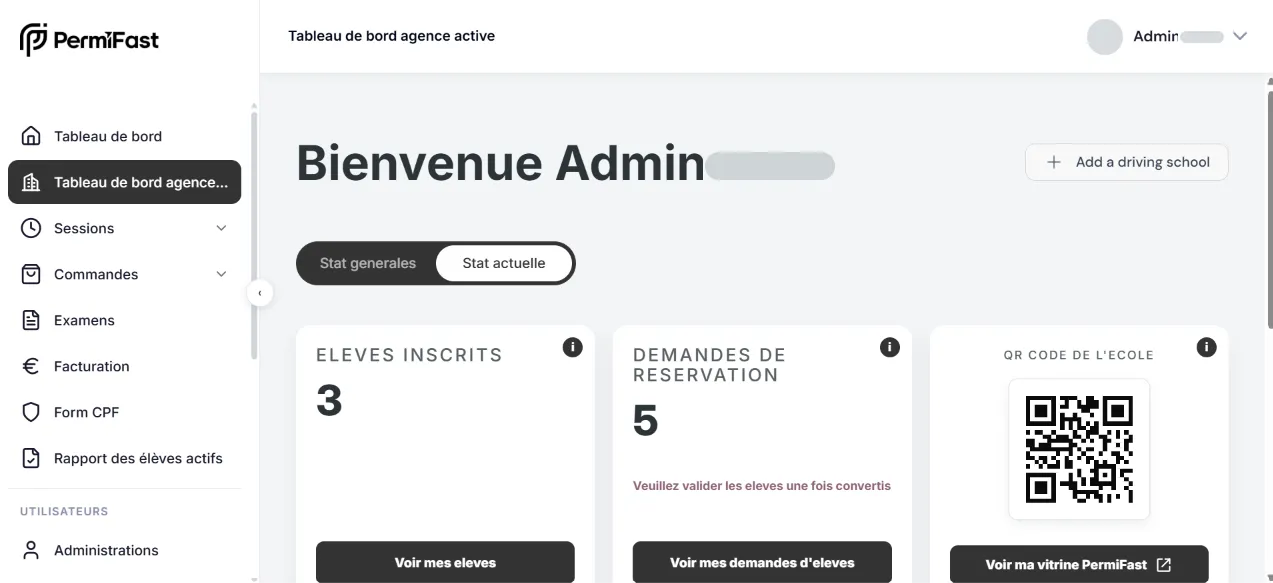
PermiFast
Driving-school website and management platform
Read the case study Visit live (opens in a new tab)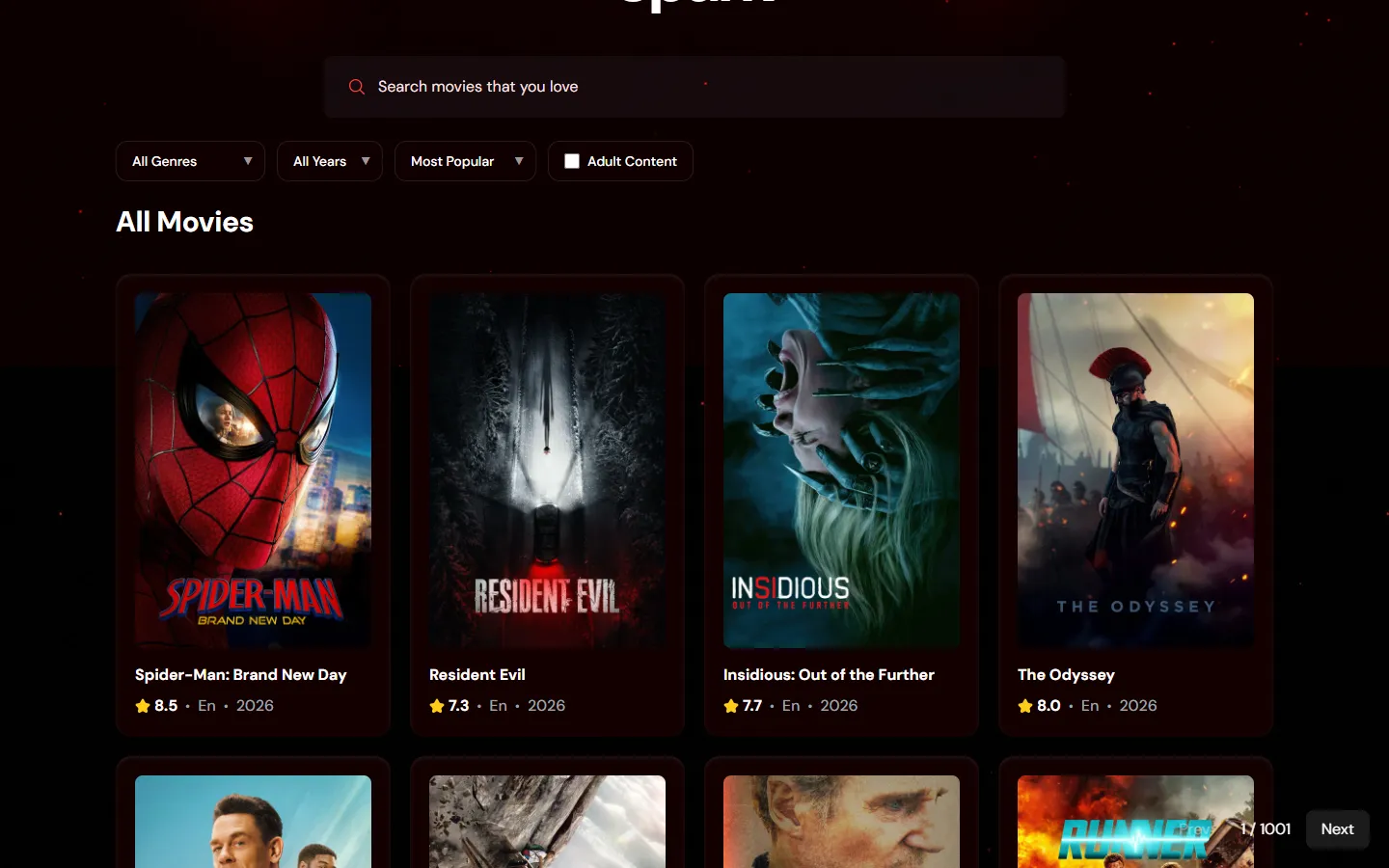
Questions
Questions About Custom Web Applications
What is the difference between a website and a web application?
A website mainly presents information. A web application lets people do work: sign in, manage records, follow workflows, and see data specific to them.
Can you replace a spreadsheet-based process?
Often, yes. We start by understanding how the spreadsheet is really used, then design an application that keeps the useful parts and removes the manual steps.
Can the application support different user roles?
Yes. Roles and permissions are designed around your process, so each person sees and does only what they should.
Can it connect to software we already use?
Usually, if that software provides an API or export. We confirm what is possible during discovery.
How do you estimate the development scope?
We map users, workflows, data, and integrations in a short discovery, then provide a written scope and estimate.
Have a Workflow That Needs Better Software?
Tell us how the process works today and who is involved. We will help you work out what the first version should do.